




Oscarspin App
The Oscarspin app is a browser‑based progressive web application that lets you open the casino in an app‑style window on mobile and desktop without downloading separate installation files or visiting an app store. You launch it in a regular browser, add an icon to your home screen or desktop, and sign in with the same Oscarspin account you already use on the website.
The app connects you to the full Oscar Spin platform – games, payments, bonuses and support – while arranging the interface for practical use on different screen sizes. The site runs on modern HTML5 technology and adapts to the available space, so navigation, buttons and key account tools remain comfortable to use with taps or clicks, and you can move between devices during a session without changing how you interact with the casino.



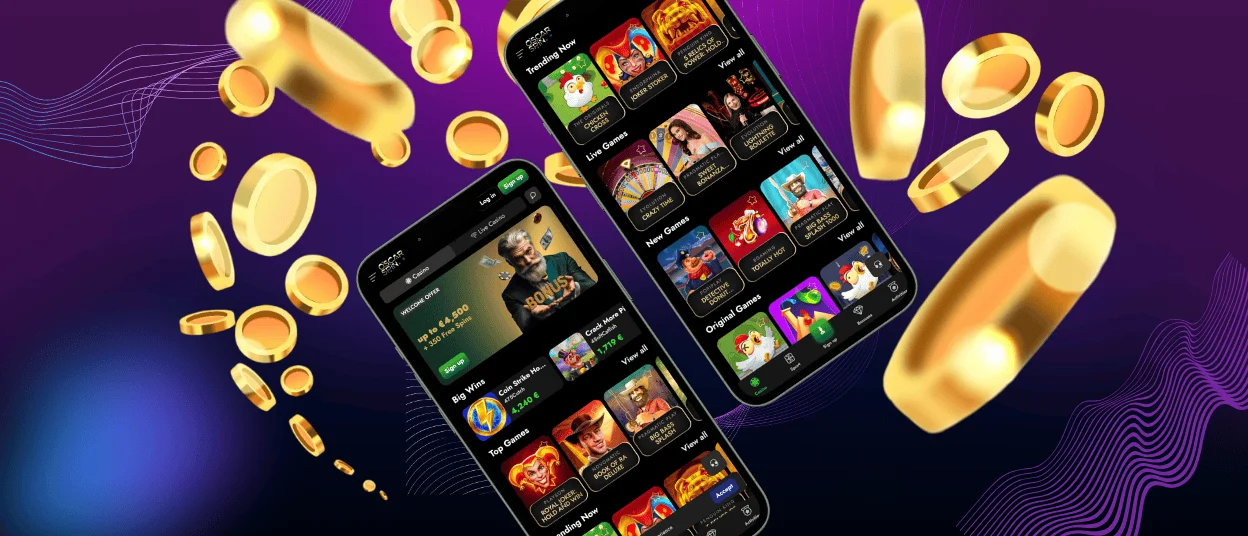
Oscarspin App for Android
To use the Oscarspin app on Android, you open the casino in your usual mobile browser and then save it as a one‑tap shortcut on the home screen. After the first visit, you add the icon, and the casino opens in a clean app‑style window with most browser controls hidden so that the focus stays on the games and account tools.
The layout supports both portrait and landscape modes. Portrait mode works well for quick spins on modern video slots or instant‑win games, while landscape leaves more room for horizontal layouts such as live blackjack, roulette and game‑show tables, where a wider view helps you follow the round and the betting interface.
Touch controls are arranged to stay within easy reach. Spin buttons, stake selectors and confirmation prompts are sized for thumbs, and the main lobby, search bar, categories and cashier are positioned so that they can be reached with minimal scrolling on most screens. Key pages, such as the lobby, tend to load faster on repeat visits, while balances, bet results and live streams are always updated in real time when you are connected.
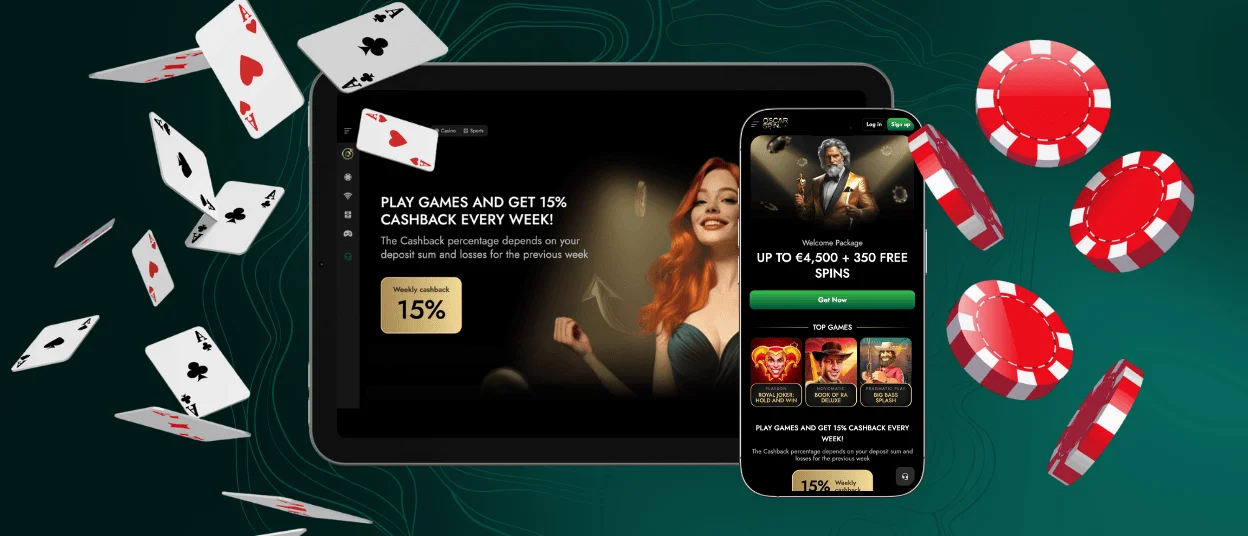
Mobile Application for iOS
On iPhone and iPad, the app is typically added through Safari by using the Add to Home Screen feature.
The same account works across iPhone and iPad. The lobby, game categories and account menu are adapted for touch and different screen sizes: tiles and buttons scale, key tools such as the cashier, limits and messages stay in consistent positions, and horizontal games can be rotated to landscape to make full use of the display.
Deposits and withdrawals are processed through the same secure cashier pages as on the main site, over HTTPS/SSL‑encrypted connections. You keep access to your balance, verification steps and limits from within the app view, and changes such as updated details, completed checks or new limits set on one device are reflected the next time you log in on another supported device.
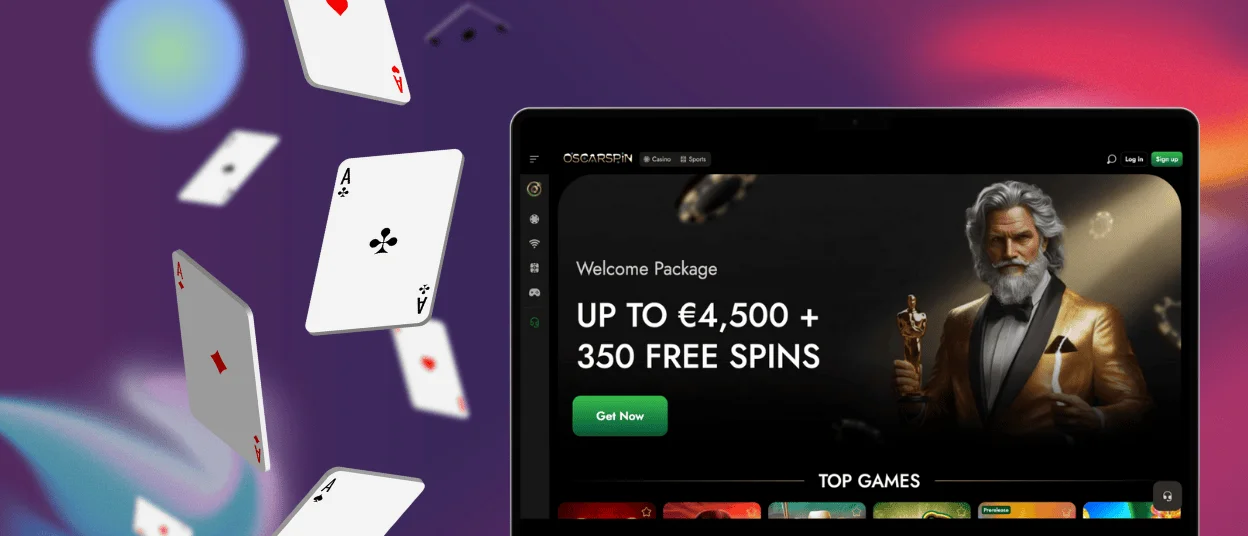
Play Oscarspin on Mac or Windows
Standard desktop browsers on Mac and Windows – such as Chrome, Edge, Firefox or Safari – provide full access to the Oscarspin casino, including the complete game selection and the full set of account tools. A larger monitor leaves more room for long game lists, full‑size reels and detailed live‑casino layouts, which can be more comfortable for extended sessions.
The app concept is also available on desktop. When your browser supports progressive web apps, you can install Oscarspin as a shortcut so you do not need to open a new tab and type the address every time. The installation creates an icon in your applications area or directly on the desktop; clicking that icon launches the casino in a focused window that behaves like a standalone app but still uses your regular browser in the background.
Whether you use the shortcut on a laptop or a fixed PC, all activity is recorded under the same Oscar Spin account. You can log in, keep the icon on your main screen and return to the lobby with a single click whenever you want to continue playing.
How to Install the Oscarspin PWA
Most modern devices let you install the Oscarspin PWA once and keep a direct shortcut to the casino on your screen. You always sign in with the same account; the shortcut simply gives you a faster way back to the lobby from your preferred devices.
First, open the official Oscarspin website in a supported browser and navigate to the casino app section from the main menu or footer. This page opens Oscar Spin in your browser and confirms that the site supports installation as a progressive web app.
On Android (Chrome) and iOS (Safari) the basic steps are very similar:
- Open the Oscarspin app page in Chrome on your Android device or in Safari on your iPhone or iPad.
- Open the browser menu: tap the three‑dot More icon in Chrome, or tap the “Share” button in Safari.
- Choose “Add to Home Screen” and review or edit the suggested name if you wish.
- Confirm by tapping “Add”. The Oscarspin icon appears on your home screen; if needed, you can move it to another position by touching and holding the icon and dragging it.
From this point, you can launch Oscarspin directly from the home‑screen icon. The browser opens the casino in a focused app‑style window instead of a standard tab, so you return to your games without re‑entering the address or searching through bookmarks.
Benefits and Features of the Oscarspin App
The Oscarspin app keeps the same core experience available on phones, tablets, laptops and desktop computers. You use one set of login details across all of them, and key functions – browsing games, placing bets, managing payments and contacting support – remain available regardless of screen size.
| Feature | Description |
| Cross‑device access | Use a single Oscar Spin account with a synced balance on phones, tablets, laptops and desktop computers. |
| No traditional installation | Launch the app from your browser shortcut without downloading a separate installer or visiting app stores. |
| Game library access | Open the main Oscarspin game categories, including thousands of slots, tables, live casino rooms and instant‑win titles. |
| Payments and account tools | Make deposits and withdrawals, set limits and update profile details through the built‑in cashier and account pages. |
| Automatic updates | Receive the latest design changes, performance improvements and newly added games whenever you refresh the app. |
| Security | Log in and transact over SSL‑encrypted connections on a website that applies standard protection measures. |
| Support access | Reach customer service through integrated live chat or email links whenever you need help during a session. |
In practice, users often add the app once on their main devices and then treat the icon as their usual way into Oscarspin. You might start a session on a desktop, check your balance later on your phone, and then reopen the same game category on a tablet, without separate installations or manual transfers.
For a smooth experience, keep your operating system and browser reasonably up to date, use strong and unique login credentials, and avoid signing in from shared or unsecured devices. A reliable internet connection is especially important for live casino titles, where video streams and betting windows update in real time.
FAQ
Do I need a separate account for the Oscarspin app?
No. The Oscarspin app connects directly to the main Oscar Spin platform, so you use the same login details everywhere. Your balance, active bonuses, limits and game history are shared between the browser site and any devices where you have added the app shortcut or log in through a supported browser.
Will I see the same games and promotions in the app as on the website?
Yes, the app is another way to reach the same platform. The main game categories, providers and promotional sections are shared between the website and the app view. Individual games or offers can change over time, and availability may depend on your account status and the specific terms displayed in each promotion or game description.
Is it safe to deposit and withdraw through the Oscar Spin app?
Payments made through the app use the same encrypted connections and cashier pages as the main site. Sensitive information is transmitted via secure channels, and you can review your transaction history in the cashier section. Keep your login details private, enable device security features such as screen locks, and review your account activity regularly so you can quickly contact support if you notice anything unusual.


